Proposals for virtual tours sometimes use “3D”, “360°” and “VR” as if they mean the same thing. That can leave a client expecting free movement through a building but receiving only a set of panoramic viewpoints. Both can be useful; they simply serve different needs.
Before comparing prices, ask the supplier to open an example of the exact output and demonstrate what a visitor can do. A still image or recorded video cannot fully explain the interaction. This guide separates the three terms from the visitor’s point of view.
360° tours: looking around from fixed points
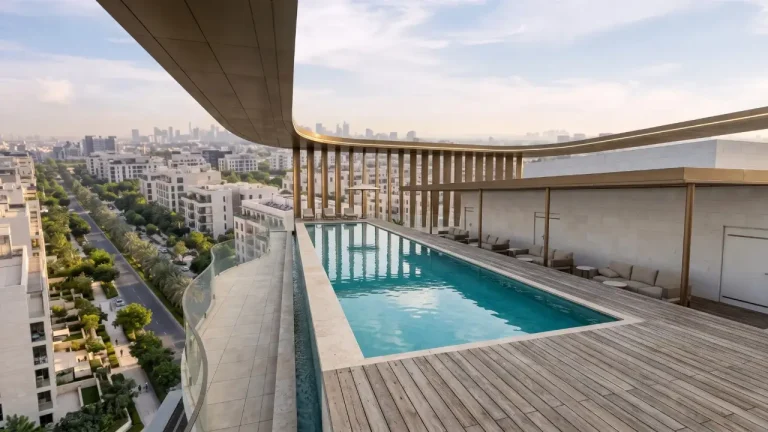
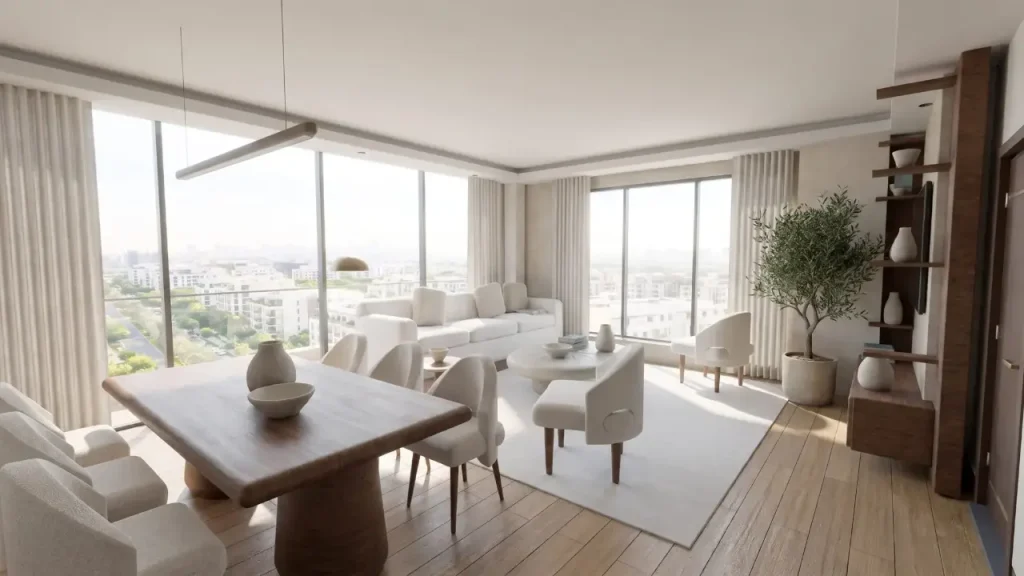
A panorama shows the surroundings of a particular point. Visitors can look in different directions and move to other viewpoints if they have been included. The images may be photographs of a completed space or renders of a proposed design. “360°” alone does not tell you whether you are seeing existing conditions or a future proposal.
This can be a useful way to explore the main spaces and their atmosphere. Its important limit is that viewing positions are predetermined. If someone wants to look behind a column or from another location, that view may not exist. Choose the number and position of viewpoints around the intended route, rather than adding views for their own sake.
Interactive 3D: exploring a model
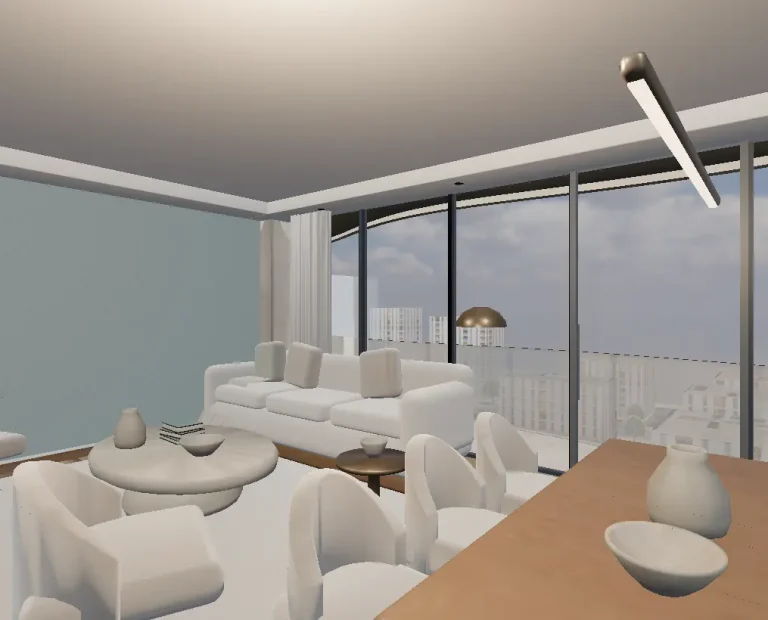
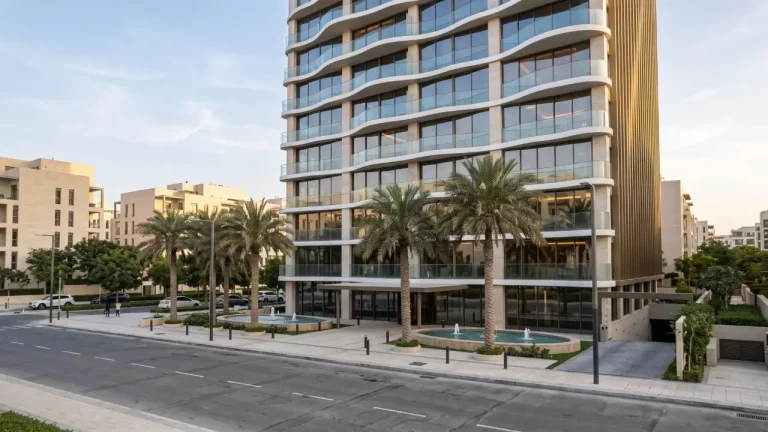
An interactive model uses 3D geometry to produce its views. It can be designed to let visitors select a floor, isolate an apartment or rotate the building. Free movement, access to every room and material changes are not automatic features of every model. Each needs to be specified and built.
Formats such as glTF and its binary form, GLB, are used to deliver models to 3D applications. Khronos describes glTF as a format for efficient transmission and loading of scenes and models. The format is only part of the work: geometry, texture sizes and controls still matter. Source: official glTF introduction.
Virtual reality: the device matters
A headset changes how an experience is displayed and controlled. On the web, WebXR connects applications to compatible VR and AR devices. MDN notes that browser support varies and the API requires a secure HTTPS context. A model running on a laptop is therefore not proof of support for every headset. Source: MDN, WebXR Device API.
If a headset is part of the brief, name the device, browser, controllers and movement method in the acceptance tests. If visitors will mainly open a public link on their phones, prioritise that journey. Adding another mode should not make the basic project information harder to find.
Choose around the project’s needs
| Need | An option to consider | Question before commissioning |
|---|---|---|
| Show several key spaces | Linked panoramas | Do the viewpoints cover everything visitors need to see? |
| Explain floors and unit relationships | An interactive building model | How do visitors select a floor and apartment? |
| Present through a headset in a meeting | A device-compatible VR experience | Has it been tested on the actual device? |
| Combine an overview with interior detail | A model with panoramas | Can visitors switch modes without losing their place? |
This is a decision aid, not a permanent ranking of technologies. A few well-chosen panoramas may be enough for a small project. A building with several unit types may benefit from a selectable model. Combining formats can be useful when each has a clear purpose.
Three mistakes when comparing proposals
- Judging only the render: assess loading speed, text readability and ease of control alongside image quality.
- Assuming unlimited movement: ask the supplier to show which routes are navigable and which spaces are excluded.
- Treating a presentation model as a technical model: a lightweight web model does not necessarily retain all the information in the design or BIM file.
For an unbuilt project, ask how a drawing revision will affect the model, panoramas and unit selector. One change may carry through several outputs. Agreed revisions and review rounds make proposals easier to compare.
A simple way to choose
Instead of asking which technology is better, define a task: visitors need to understand the difference between two apartments. Try that task in two examples. If finding the unit, understanding the plan and returning to the overview require a lengthy explanation, the interface needs work. More advanced technology will not solve that on its own.
Check your files against the drawing and model preparation guide, and assess the public link with our mobile virtual tour checklist. You can also use AXIWALK’s services to define the output your project needs.
Sources and editorial note
- Khronos Group — glTF and the GLB format
- MDN — WebXR Device API: compatible devices and access requirements
Sources were reviewed on 13 November 2026. Unreferenced checklists and examples are editorial suggestions, not client performance reports or guarantees of results.
Have a question or a correction to suggest?
Contact the editorial team